
Machine maintenance and downtime
Maintenance lives in the same schedule as production, so nobody plans a job on a machine that will be in service.
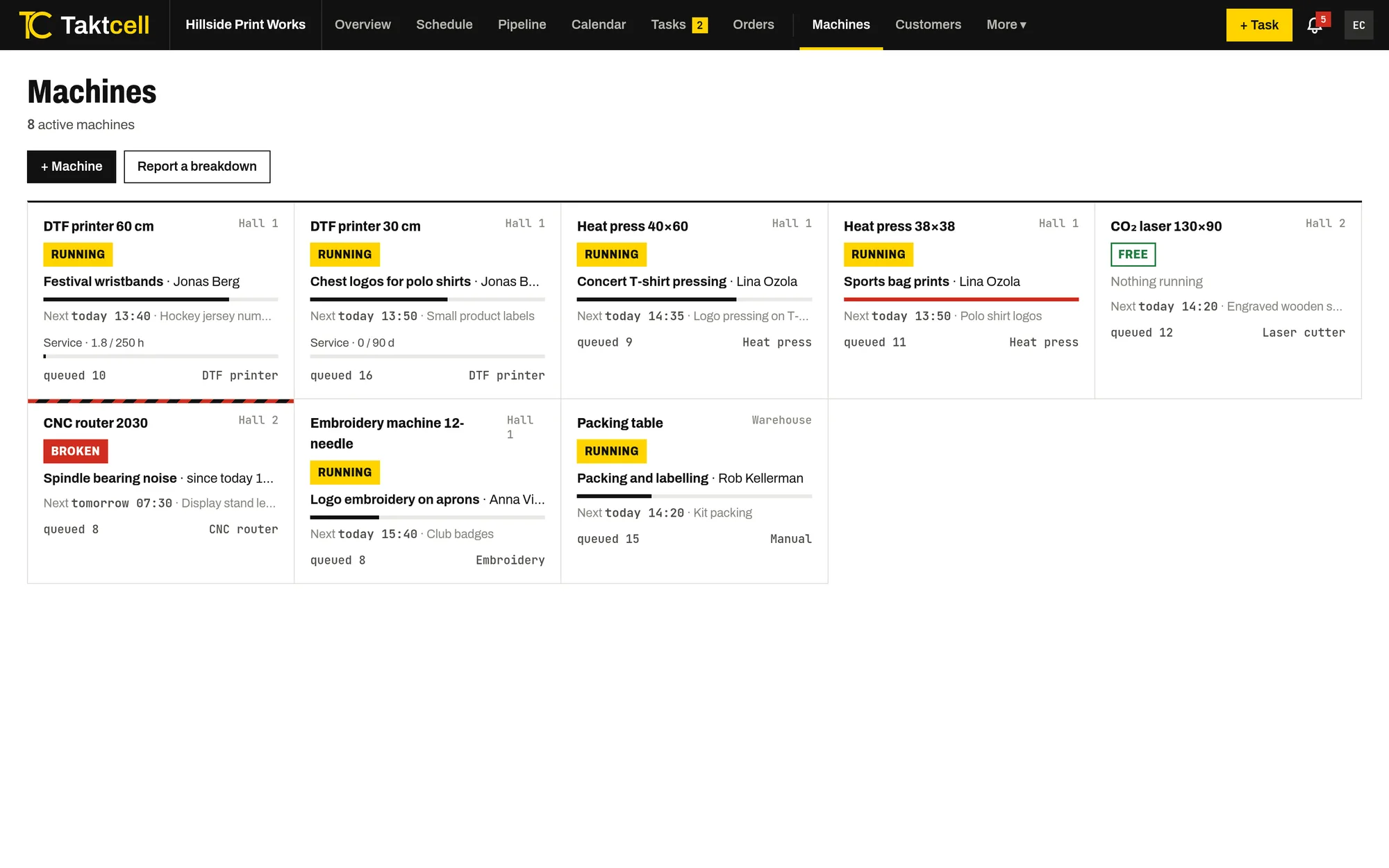
Live status of every machine
The machine board shows each machine as running, free or broken, with the current job, the person on it, the next job and how many jobs are queued.
Planned maintenance blocks time
Add planned maintenance with a start and an end. It appears in the schedule as a hatched block, and a job planned over it gets a warning. Admins are reminded before the service starts.
Breakdowns stay open until fixed
A breakdown without an end time blocks the machine until someone marks it as fixed. Workers whose jobs on that machine may be delayed get a notification.
- Types: planned maintenance, breakdown, repair
- Status: planned, in progress, completed
- Notes and costs for each record
Service by run hours
Set a service interval in run hours, in days, or both, for example every 500 hours or every 90 days. Run hours come from the time recorded on the machine's jobs, so nobody has to read a counter. When the service is due, admins get a notification and the machine shows it on the board.
History for every machine
Each machine’s page lists its maintenance and repair records next to its queue and recently completed jobs. The reports show downtime hours for any period.
Other features
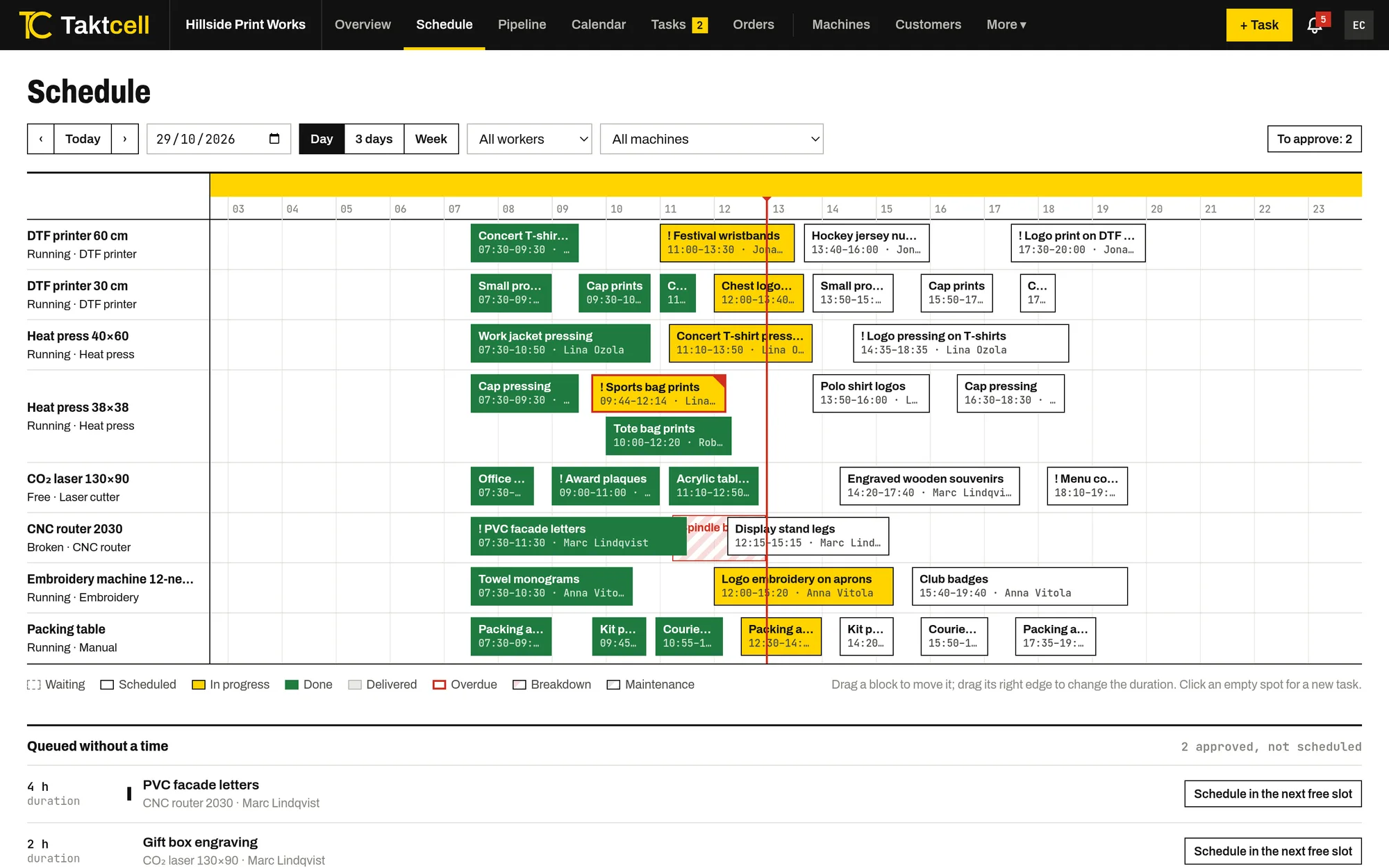
Production scheduling
Every machine on one time line. Drag jobs to another time or machine and see conflicts before they happen.
Read more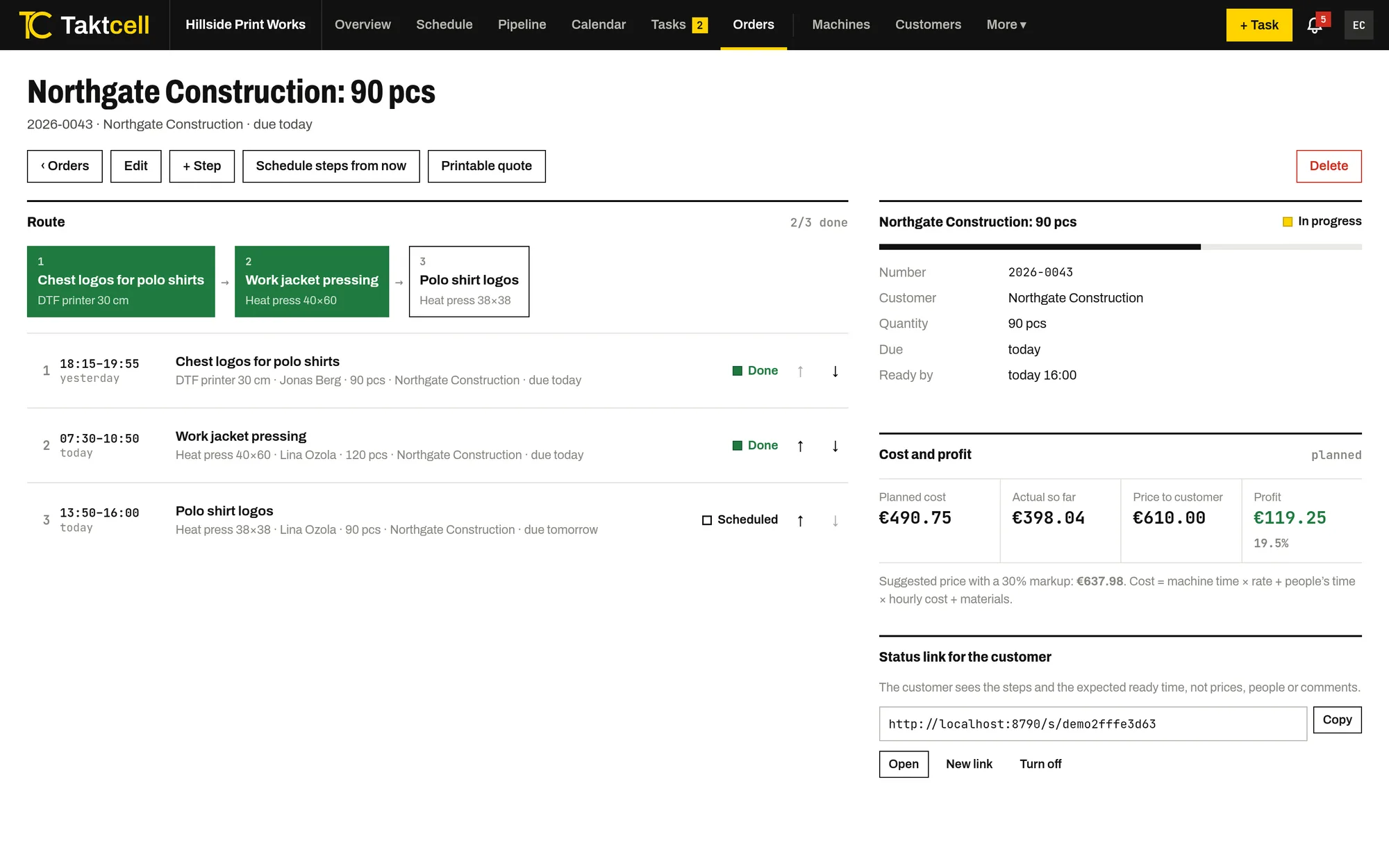
Multi-step orders
One order, several machines in sequence. Steps are scheduled one after another, and a late step pushes the next ones back.
Read more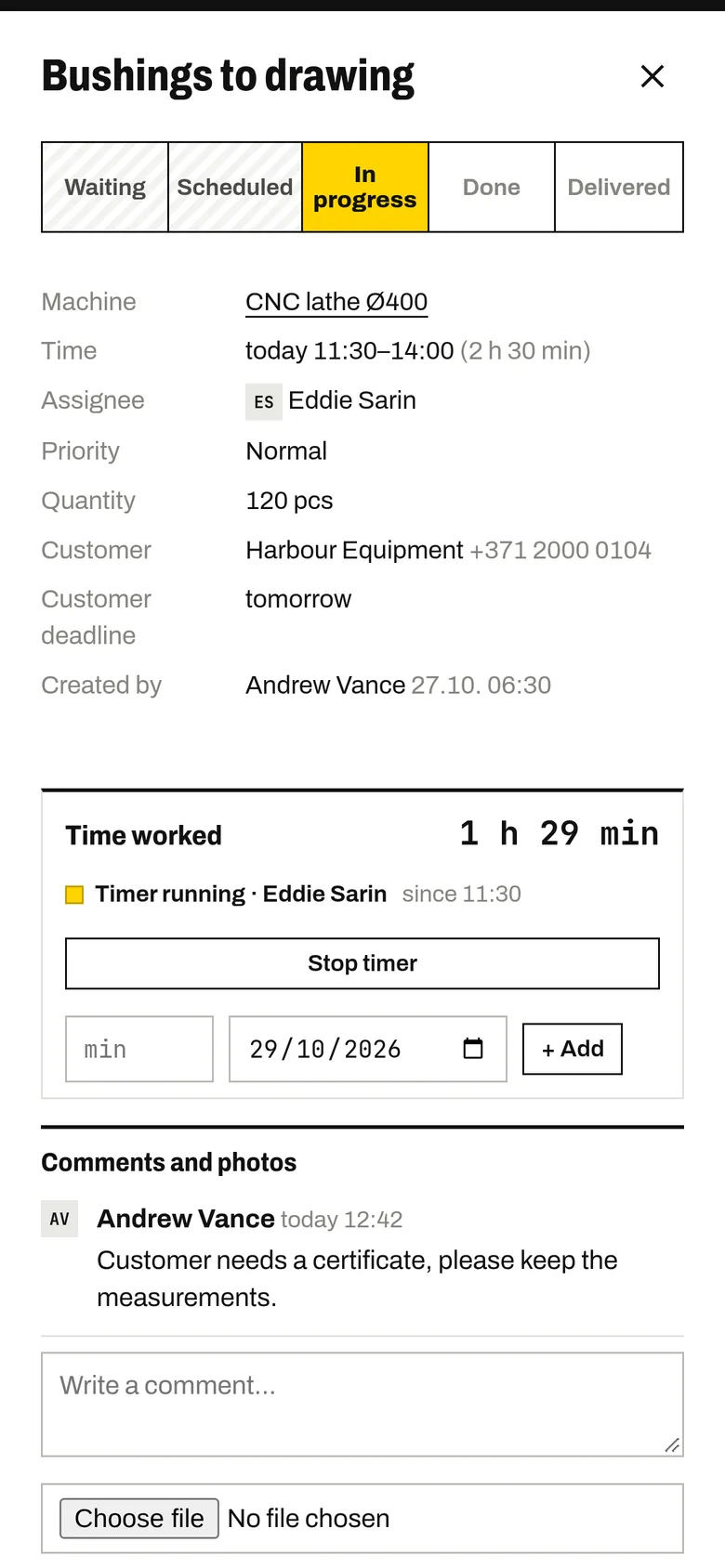
Shop floor app
Your team marks jobs as started and finished from their own phones. The timer records the time worked.
Read more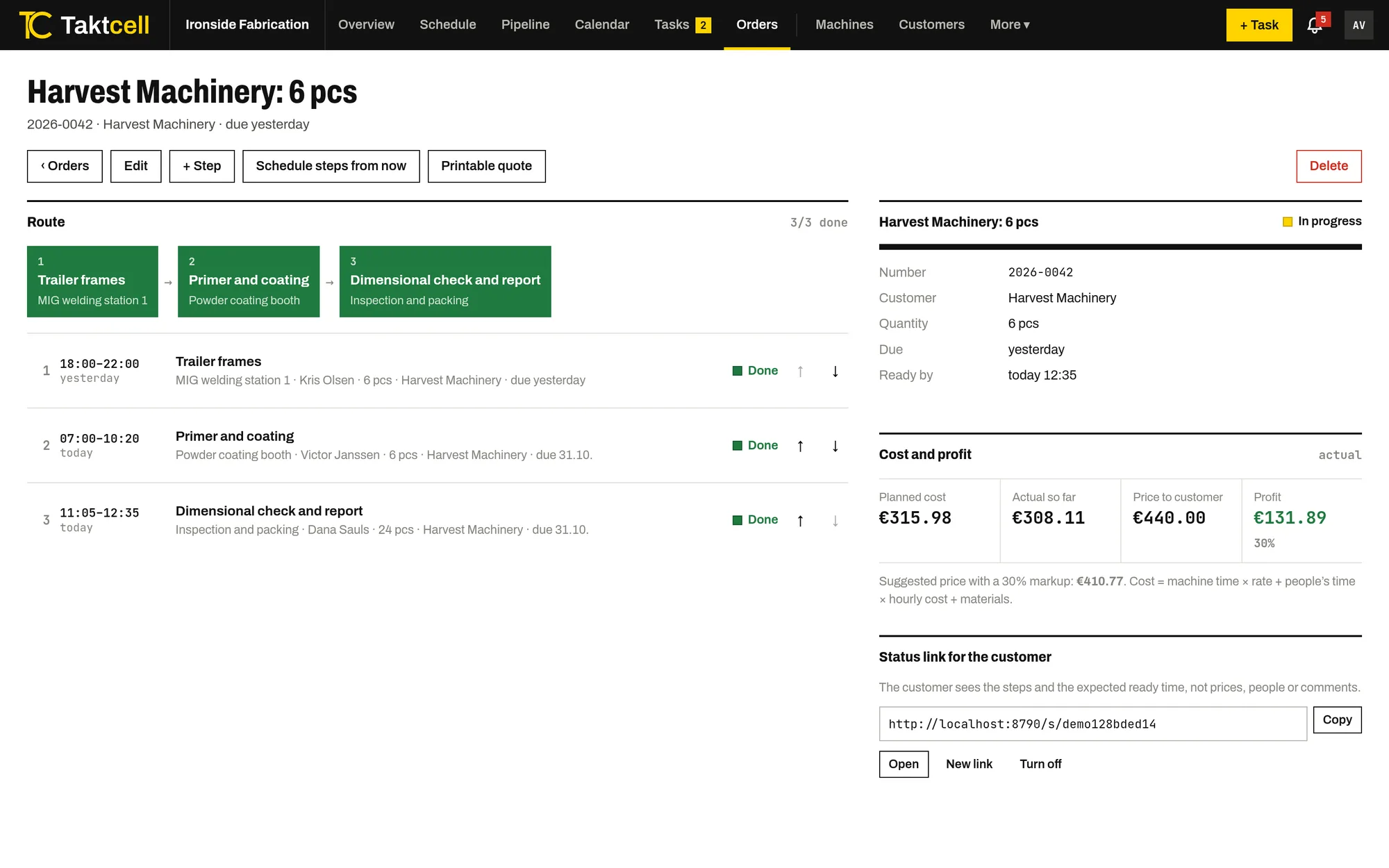
Job costing and profit
Every job and order shows its cost from machine time, people's time and materials, next to the price and the profit.
Read more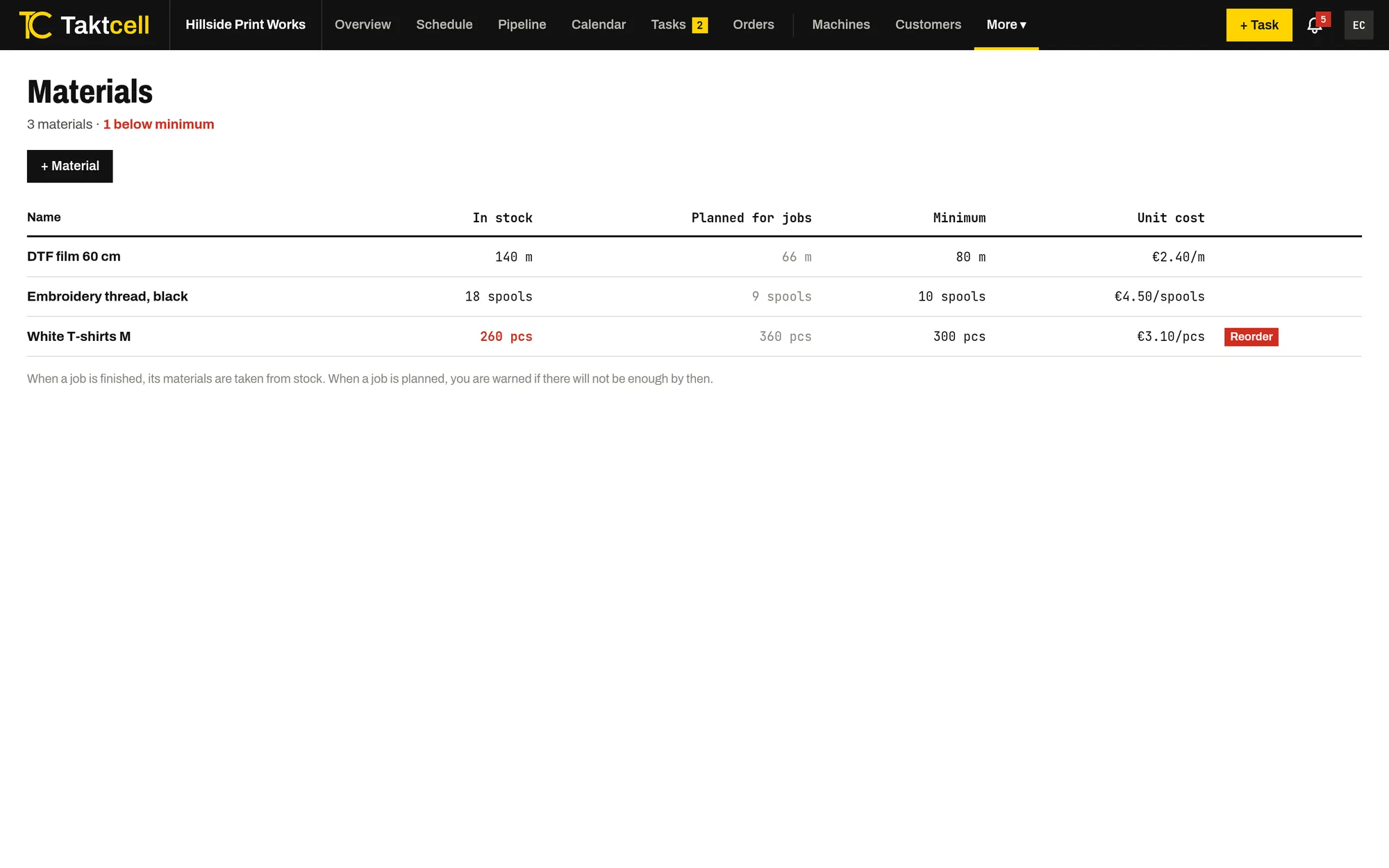
Materials and stock
Stock for the materials your jobs use up. A finished job takes its materials from stock, and planning warns when there won't be enough.
Read more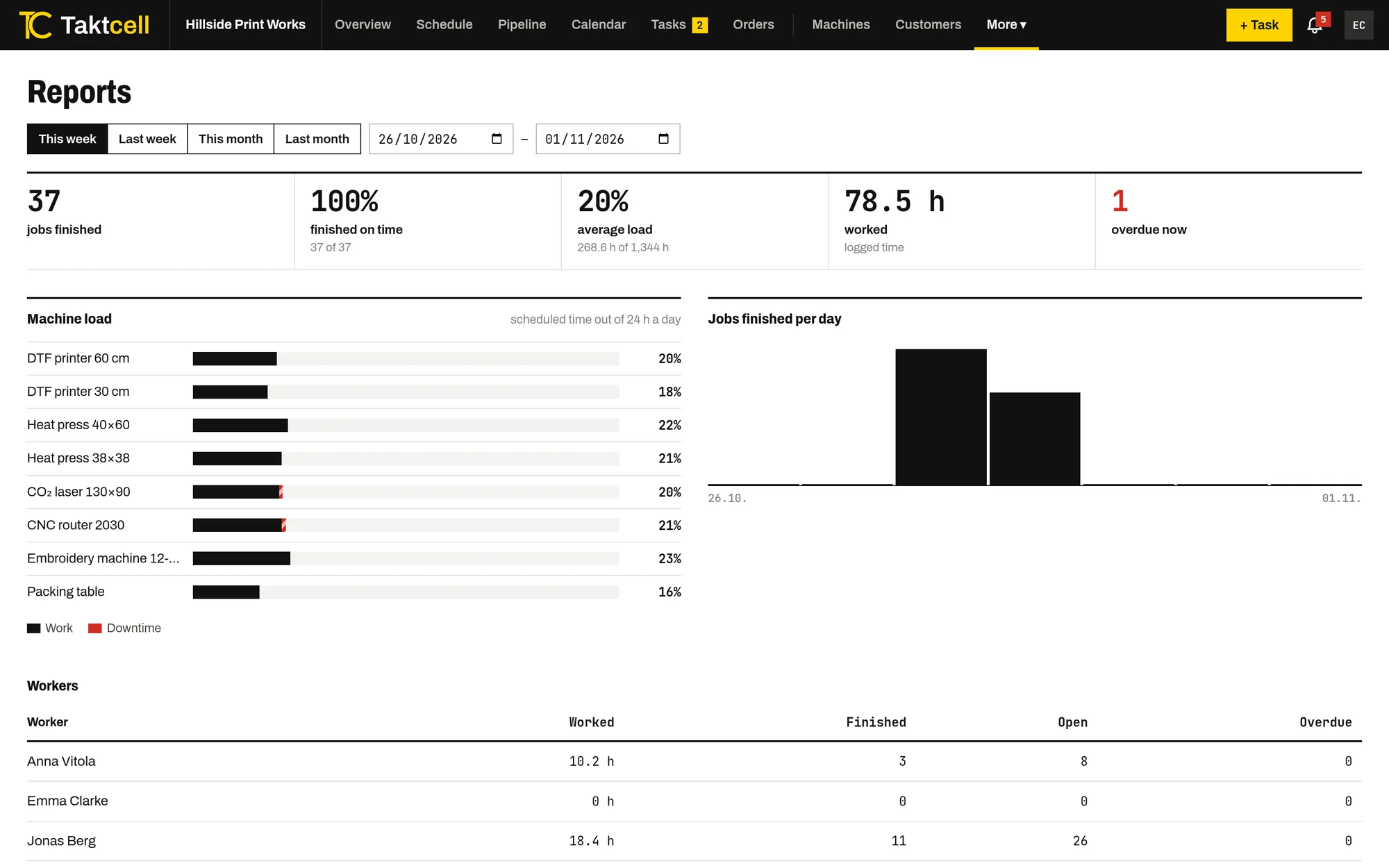
Reports
Machine utilisation, downtime, on-time completion and hours worked per person for any period.
Read more