
A shop floor app on every worker’s phone
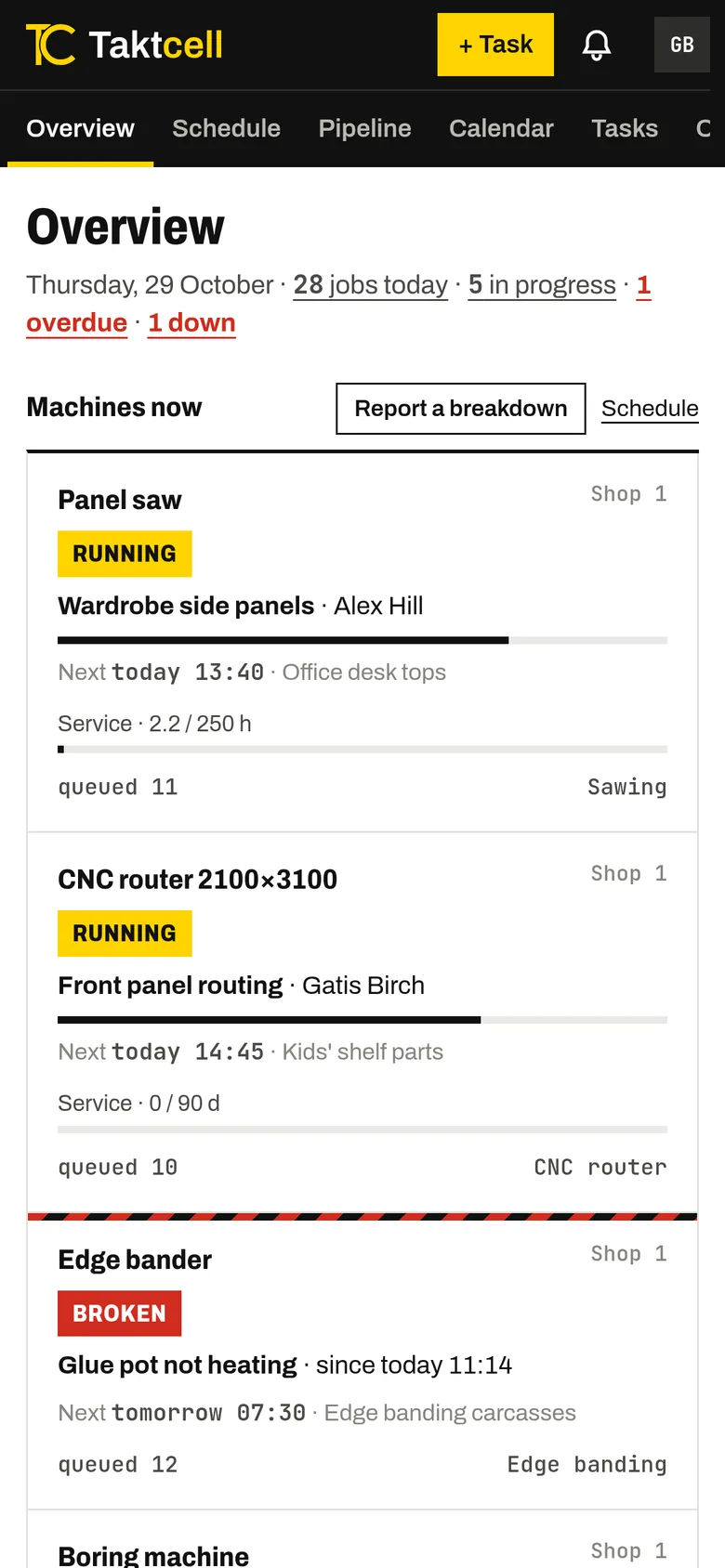
Taktcell opens in the phone’s browser and can be added to the home screen like an app. Your team does not need a desktop computer or a terminal at the machine.
Each person sees their own jobs
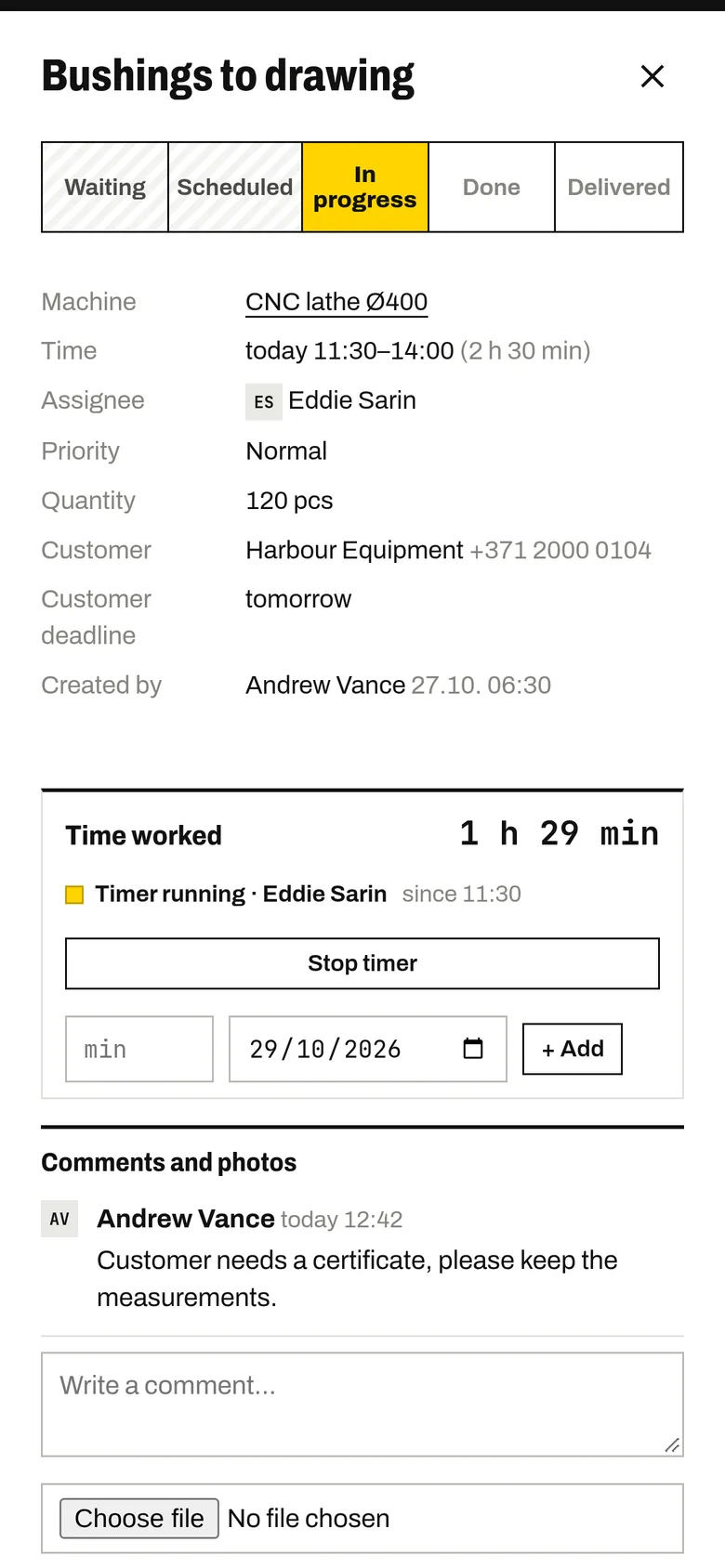
A worker opens Taktcell and sees their jobs in order, with the machine, time, quantity, customer and instructions.
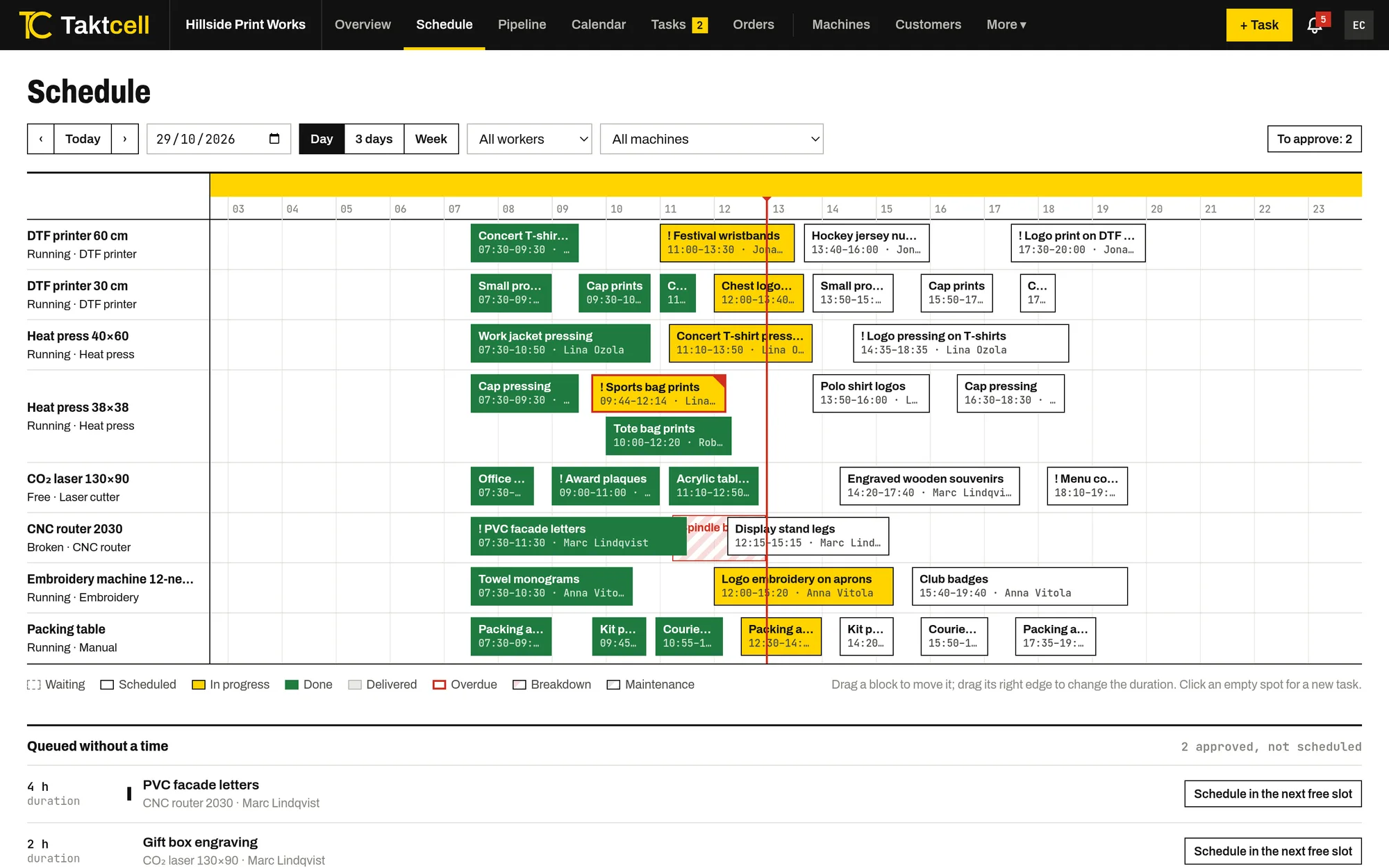
They can also see the whole schedule, so they know what comes after them.
Start, finish and the time worked
The worker taps “In progress” when they start and “Done” when they finish. The timer starts and stops by itself and records the minutes against that job and that person.
Time can also be added by hand, for example for work done before the job was in the system.
Comments and photos
Every job has its own thread for comments, photos and files: a picture of the first piece, a note that material is running out, or a change from the customer. The people involved get a notification.
Breakdown reports
If a machine stops, the worker reports a breakdown from the phone. Admins are notified at once, the machine shows as broken on the board, and people whose jobs may be delayed are told.
A shared tablet at the machine
Not everyone wants to use their own phone. An admin can turn a tablet into a shared one: workers tap their name, enter a 4–8 digit PIN and see their jobs. After a short time without use the tablet signs them out and shows the name list again.
Notifications by e-mail and push
Besides the bell in the app, each person can get their notifications by e-mail or as push notifications on their phone, and chooses which kinds they want.
Suggesting new jobs
Workers can suggest a job, for example a test print or a sample. Depending on your settings it waits for an admin’s approval before it appears in the schedule.
Priced per machine
Every plan includes unlimited users, so you can give a login to everyone on the floor without paying more.
Other features
Production scheduling
Every machine on one time line. Drag jobs to another time or machine and see conflicts before they happen.
Read more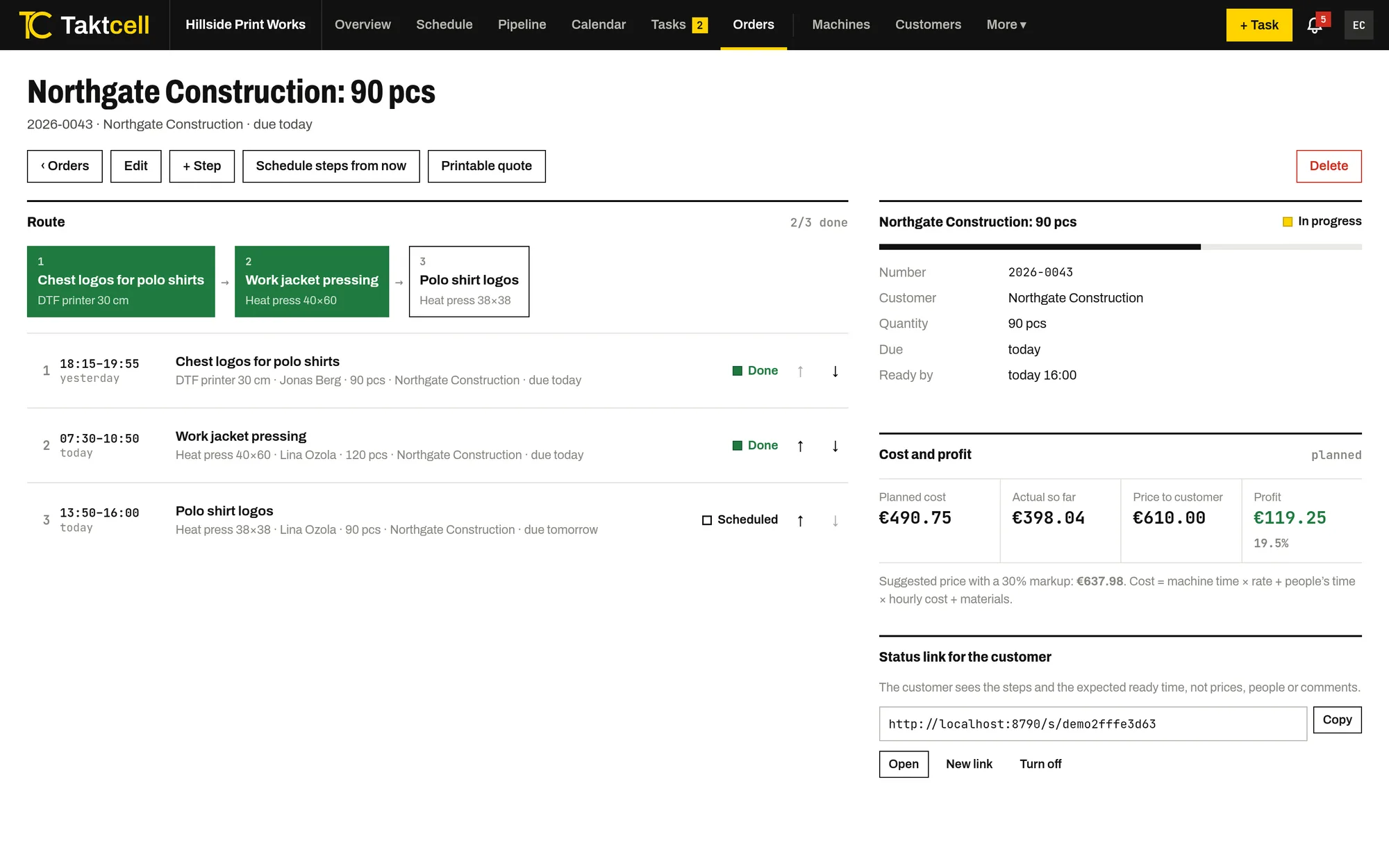
Multi-step orders
One order, several machines in sequence. Steps are scheduled one after another, and a late step pushes the next ones back.
Read more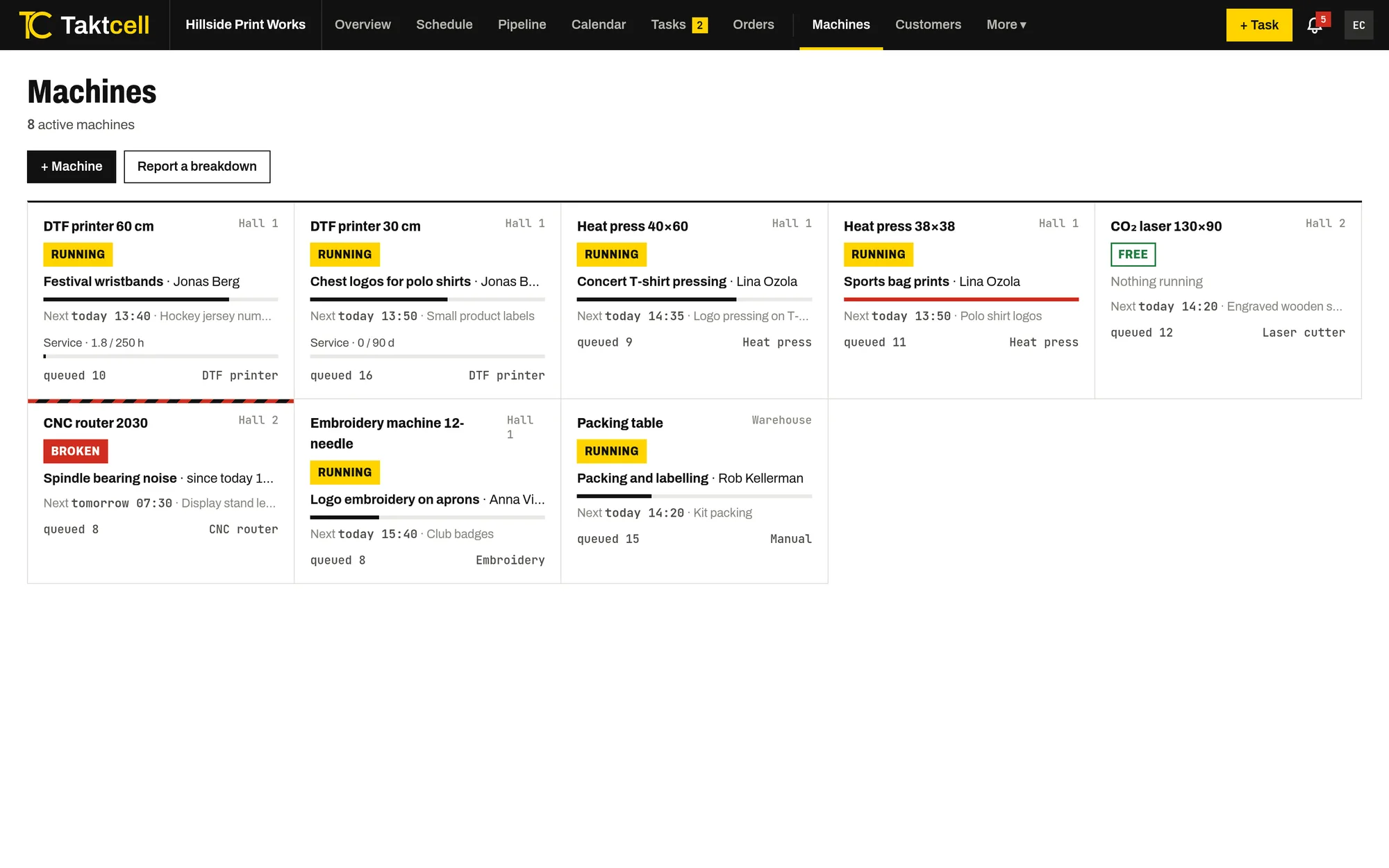
Machine maintenance
Planned maintenance takes the machine’s time in the schedule, and a breakdown blocks it until it is fixed.
Read more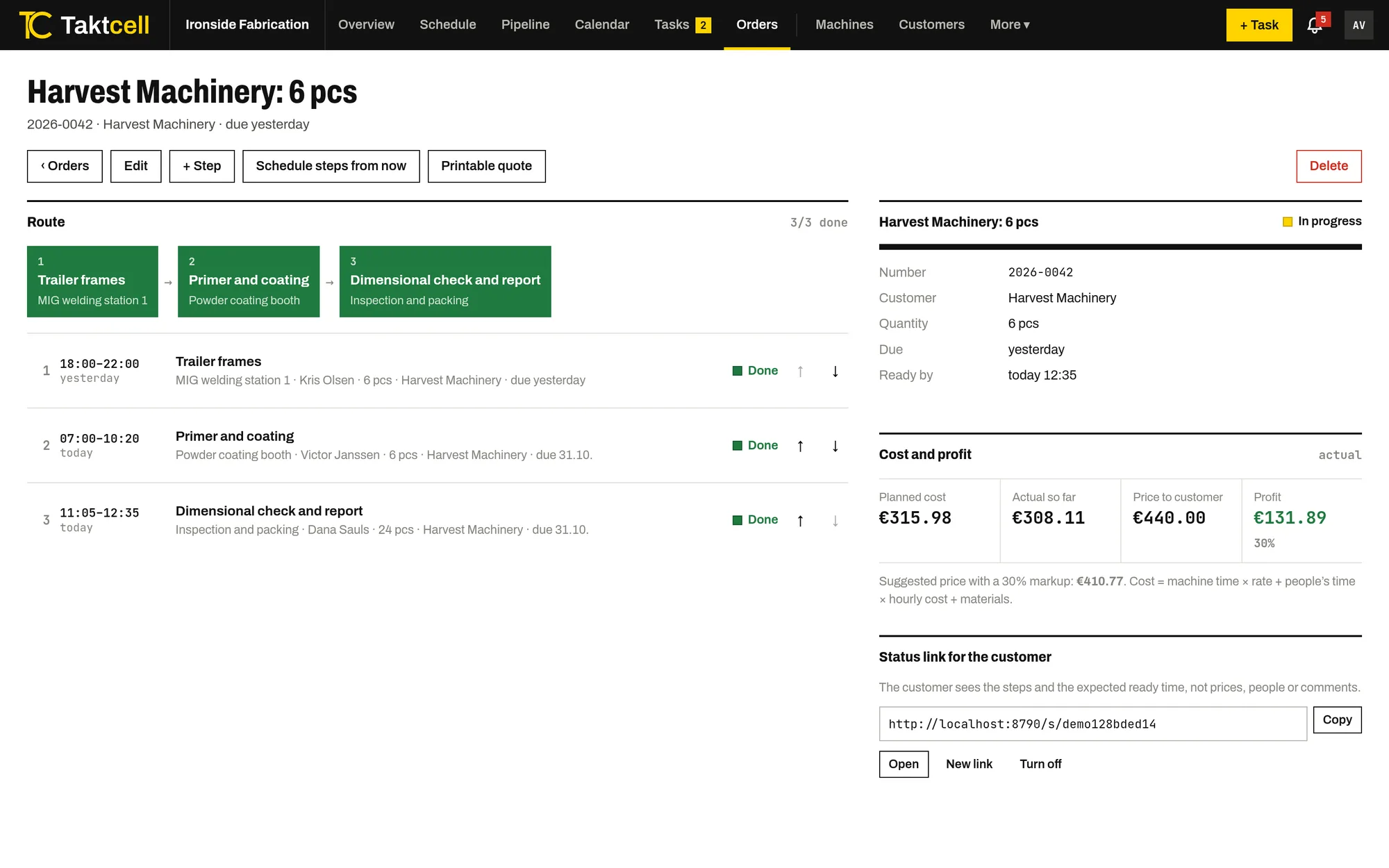
Job costing and profit
Every job and order shows its cost from machine time, people's time and materials, next to the price and the profit.
Read more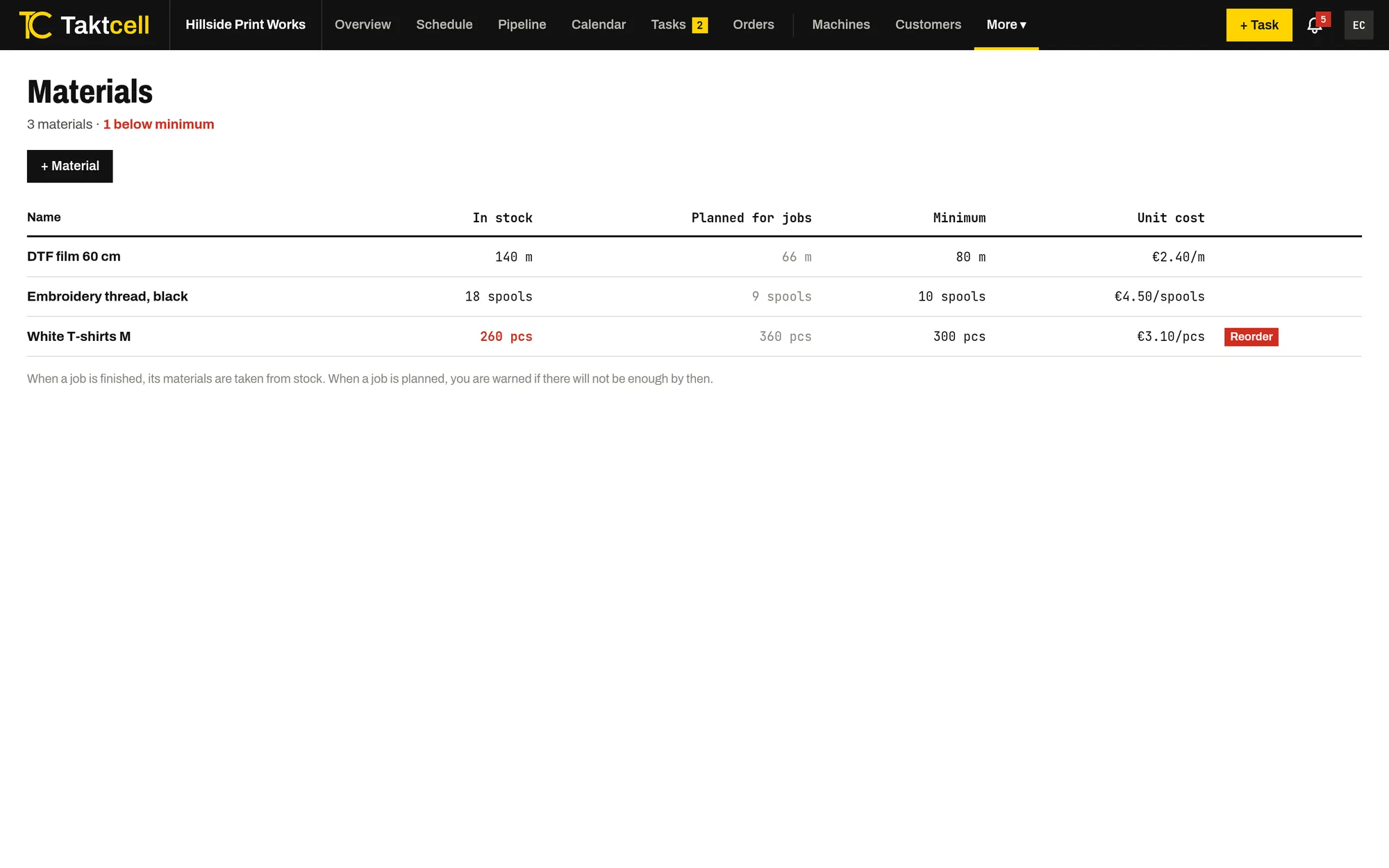
Materials and stock
Stock for the materials your jobs use up. A finished job takes its materials from stock, and planning warns when there won't be enough.
Read more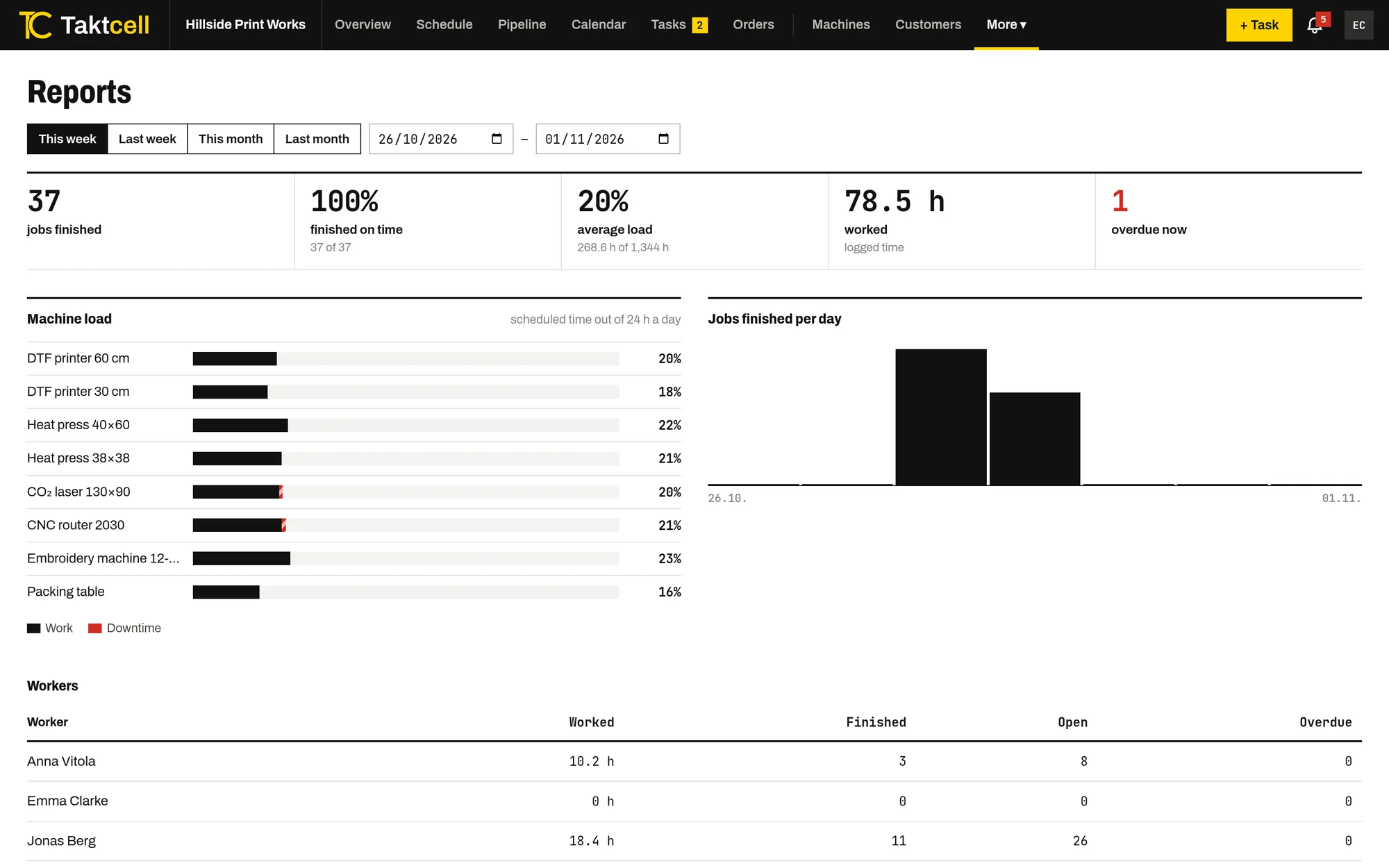
Reports
Machine utilisation, downtime, on-time completion and hours worked per person for any period.
Read more